Every MCP tool,
as a flowchart.
Bugsby traces every tool your MCP server exposes and draws it out — each function, branch, and I/O call — then narrates it in plain English. Local-first, on your own model.
Runs 100% locally · Bring your own model · Source never leaves your box
For TypeScript & JavaScript MCP servers. More languages coming.
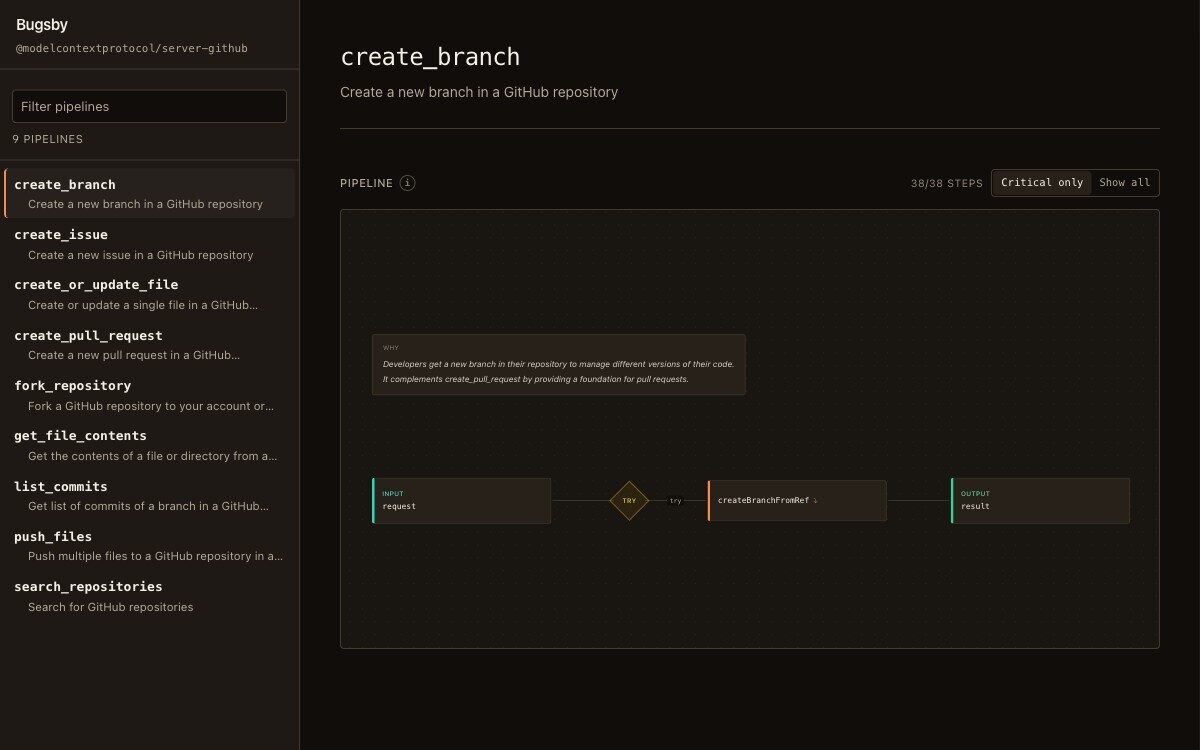
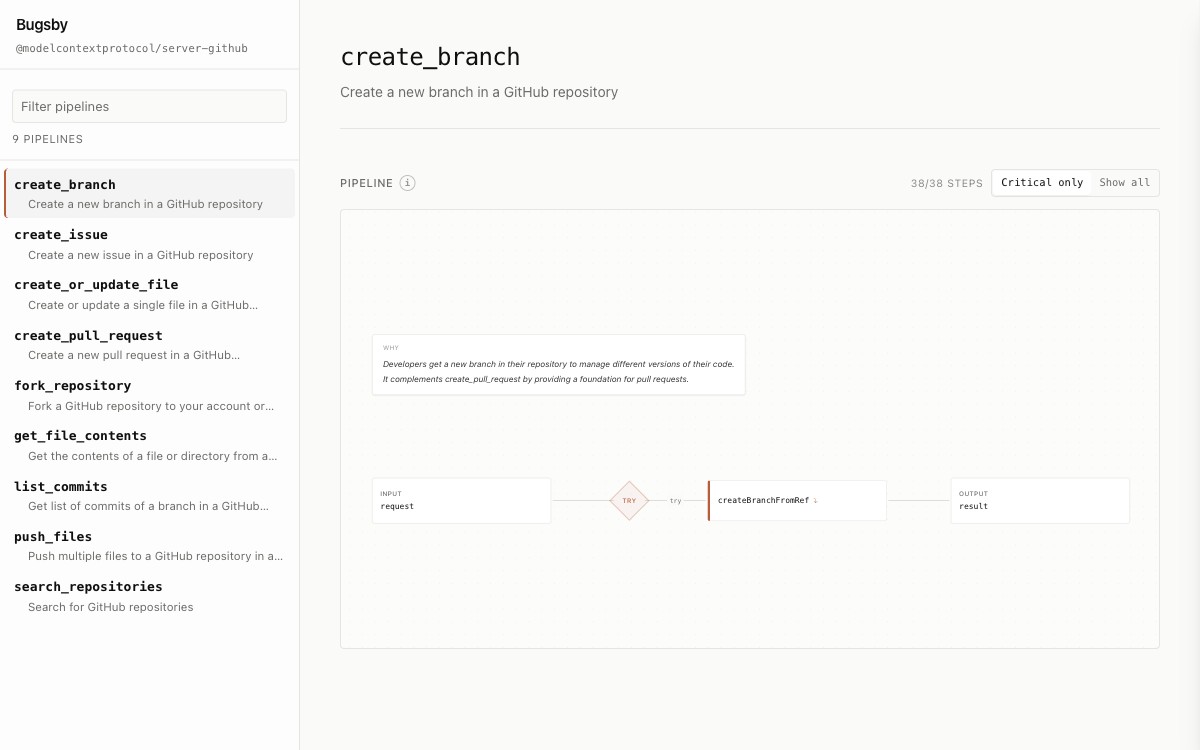
Bugsby running on the GitHub MCP server — every tool as a narrated flowchart. Click a tool, then drill into any function's call tree.
What Bugsby pulls out of a repo
Tool → flowchart
Every MCP tool becomes an interactive node graph, auto-laid-out left to right — the shape of what it does, at a glance.
Drill into any step
Click a node to expand the functions it calls, down to the leaves. The whole call tree, on demand.
Criticality & I/O map
Accent-highlighted paths show exactly which steps touch the network, the disk, the model, or your data.
Branches & control flow
try/catch, if/else, and loops are drawn as the diagram — not buried in nested source you have to read.
Plain-English narration
Every node reads back in sentences: what an agent actually does when it invokes the tool.
Local-first & private
The engine runs on your machine, on your own model. Your source never uploads, never leaves, never trains anything.
And every step, in plain English
The flowchart shows you the shape. Bugsby also reads it back — drag the glass across the raw handler and watch each line turn into a sentence. That's the narration sitting behind every node.
- Function by function, not a wall of source
- Grounded in your actual code, cached per tool
- Runs on Groq, local Ollama, or Claude Code
case "search_issues": {const { query, state = "open" } = args;const gh = await getClient(ctx.token);const res = await gh.search.issues({q: `repo:${ctx.repo} ${query}`,per_page: Math.min(limit, 100),});return res.items.map(toSummary);}
Run it on Groq or fully offline
Bugsby doesn't bundle a model or bill you for tokens — you bring your own. Pick the cloud free tier or keep everything on your machine.
- 1Grab a free API key at console.groq.com. No credit card.
- 2Hand it to Bugsby:
export GROQ_API_KEY=gsk_your_key_here - 3Run it. Narrations come back from Llama 3.3 70B at ~500 tok/s.
npx @bugsby/cli start
Set a Groq key and lose it later? Bugsby falls back to local Ollama on its own — a hiccup at Groq never breaks the viewer.
One license. Pay once.
Founder's launch price
Pay once. Perpetual license, no expiry. 1 developer seat.
- Unlimited repos and MCP tools
- Plain-English narration of every tool, function by function
- Criticality + I/O highlighting with full call trees
- Runs 100% locally — your source never leaves your machine
- Bring your own model: Groq, local Ollama, or Claude Code
- Perpetual license — pay once, no expiry
Secure checkout by Stripe. Your key is issued the moment payment clears.
Questions, answered
What exactly does Bugsby show me?
It traces each MCP tool your server exposes and draws it as an interactive flowchart — every function it calls, the branches it takes, and which steps touch the outside world. Click any node to drill in or read a plain-English narration.
Does my code leave my machine?
No. The engine runs on your machine and narration goes to whichever model you choose — a local Ollama model keeps analysis fully on-device. Your source is never uploaded. The one network call is license activation, which sends only your key and an anonymous machine id — never your code.
Is this a subscription?
No. One-time payment, perpetual license, no expiry — the tool keeps working forever.
Which models does it support?
Groq (free tier, default when a key is present), a local Ollama model, or your existing Claude Code subscription. It falls back to local Ollama automatically if a cloud provider is unreachable.
What can it read?
TypeScript and JavaScript packages that register MCP tools. More entry points (API routes, CLI commands, Lambda handlers) are on the way.
Does it work with Python or other languages?
Not yet — Bugsby is for TypeScript and JavaScript packages today. More languages are on the roadmap.
How does the license work?
Checkout issues a signed key. Run `bugsby activate <key>` once and it's saved for every project. The key is verified locally — no account, no phone-home.